
Install via Obtainium
Official Website: https://obtainium.imranr.dev/
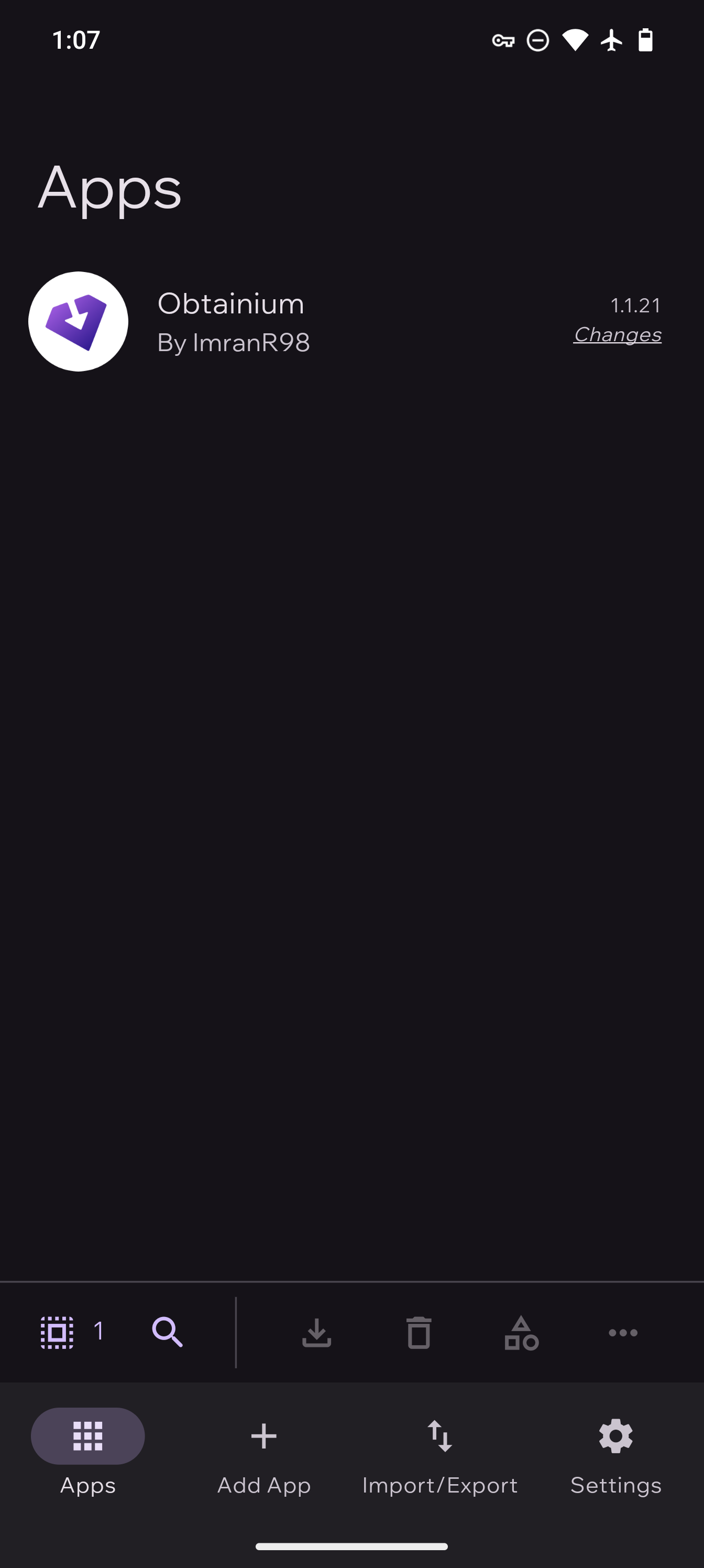
Obtainium is an Android app that helps install and update apps directly from various sources.
Obtainium can be installed by downloading the latest release from F-Droid, the https://obtainium.imranr.dev/ or the https://github.com/ImranR98/Obtainium
Once Obtainium is installed, you are able to add Cake Wallet via our repository.
1
Install Obtainium
Obtainium can be installed by downloading the latest release from F-Droid, the official website (https://obtainium.imranr.dev/) or the Obtainium GitHub repository (https://github.com/ImranR98/Obtainium).
2
Add Cake Wallet repository
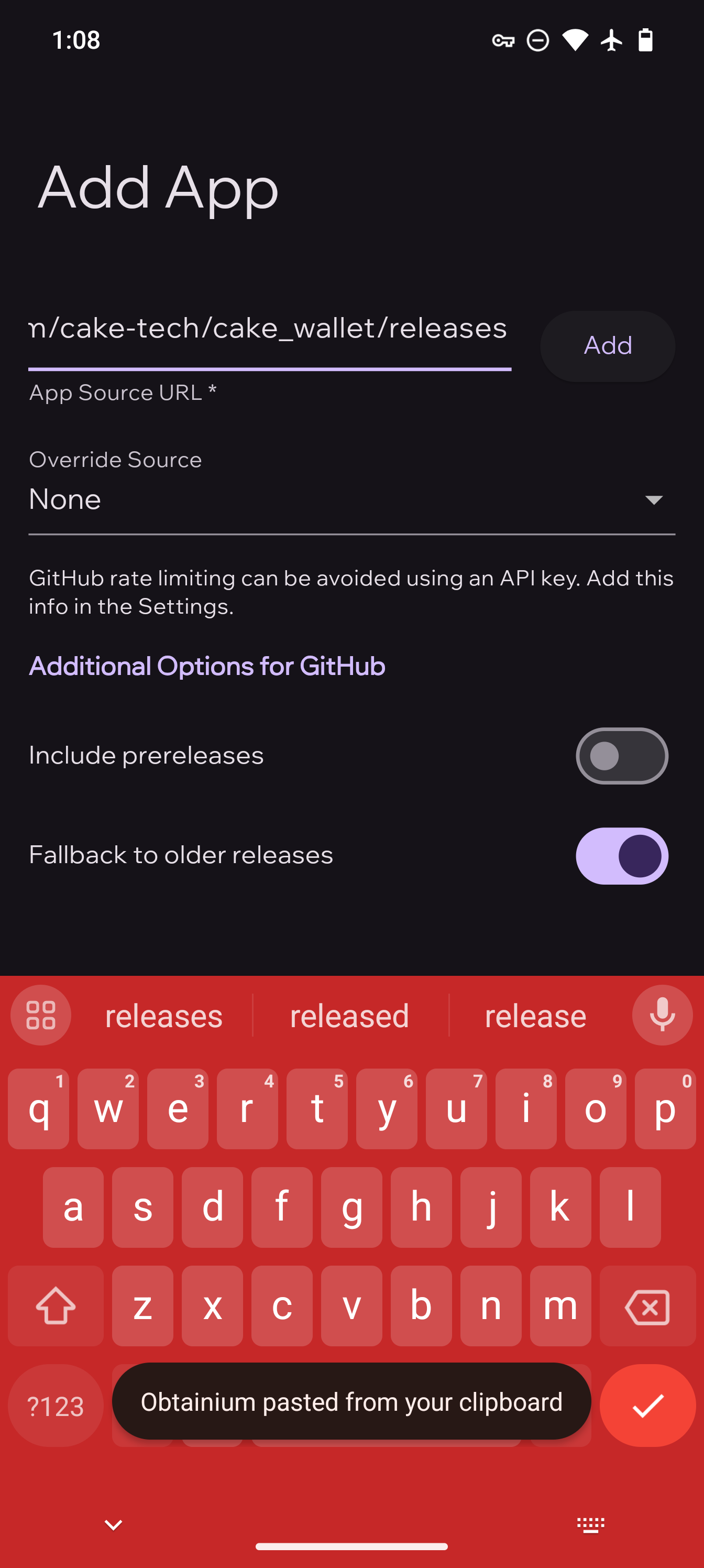
- Open Obtainium and press the
Add Appbutton on the bottom bar. - Paste the Cake Wallet repository URL
https://github.com/cake-tech/cake_wallet/into theApp Source URLfield, then press theAddbutton.
3
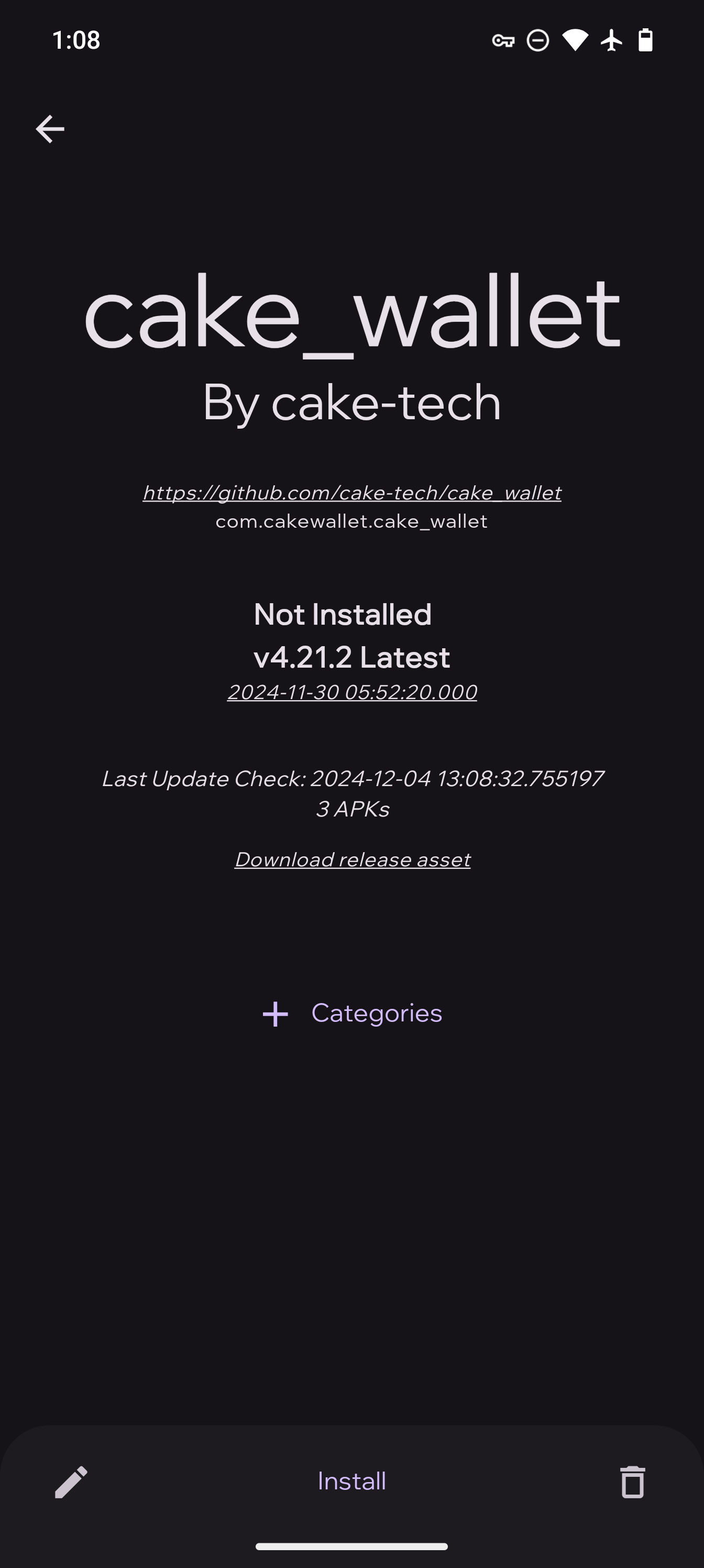
Select the app
Select Cake Wallet or Monero.com wallet then press Continue.

4
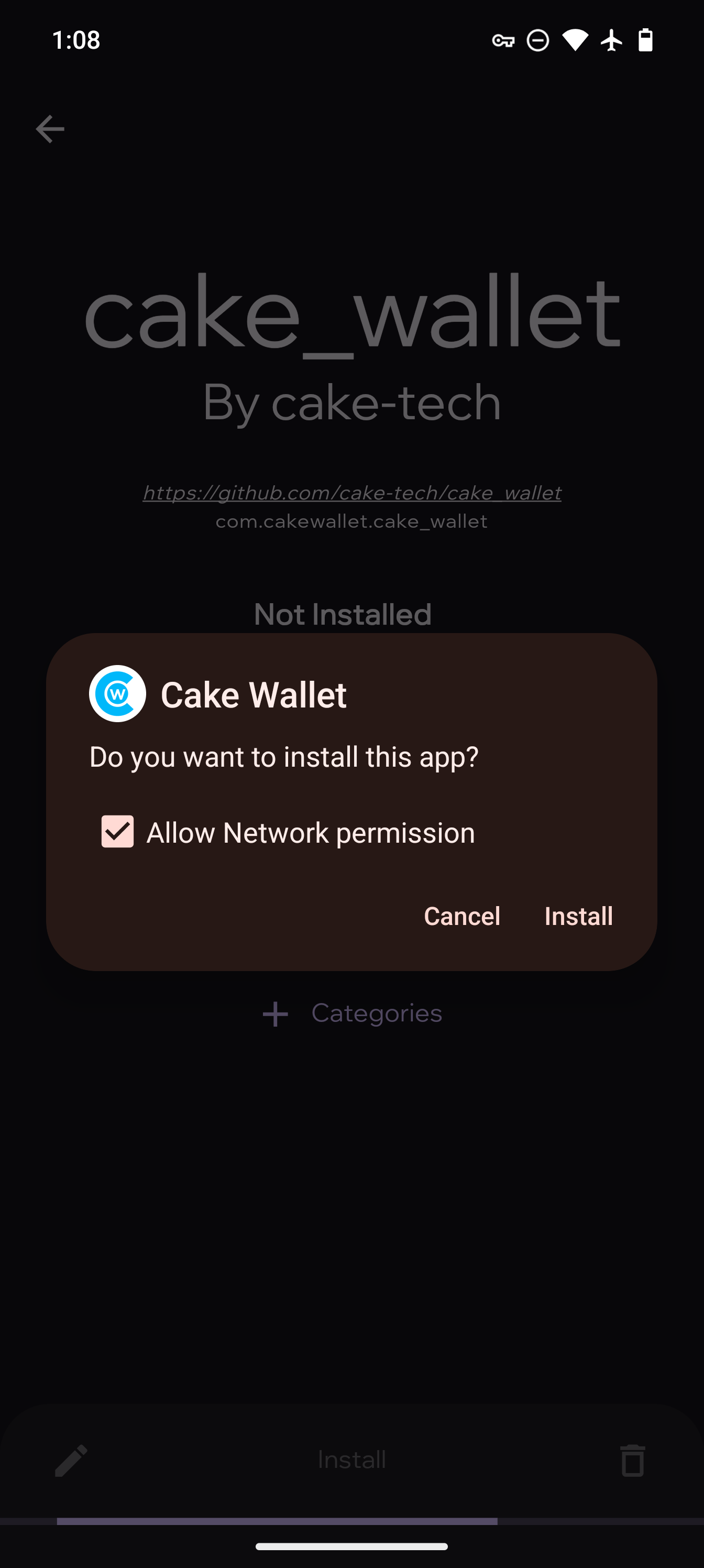
Install Cake Wallet
Press Install at the bottom of the app listing, and select the desired version once again if prompted.

© Cake Wallet — free, open-source, non-custodial wallet.cake-wallet.co · Privacy · Terms