
Create new wallet
Creating a wallet takes a couple of minutes. The most important part: writing down your seed — the only way to recover your funds if you lose your device.
1
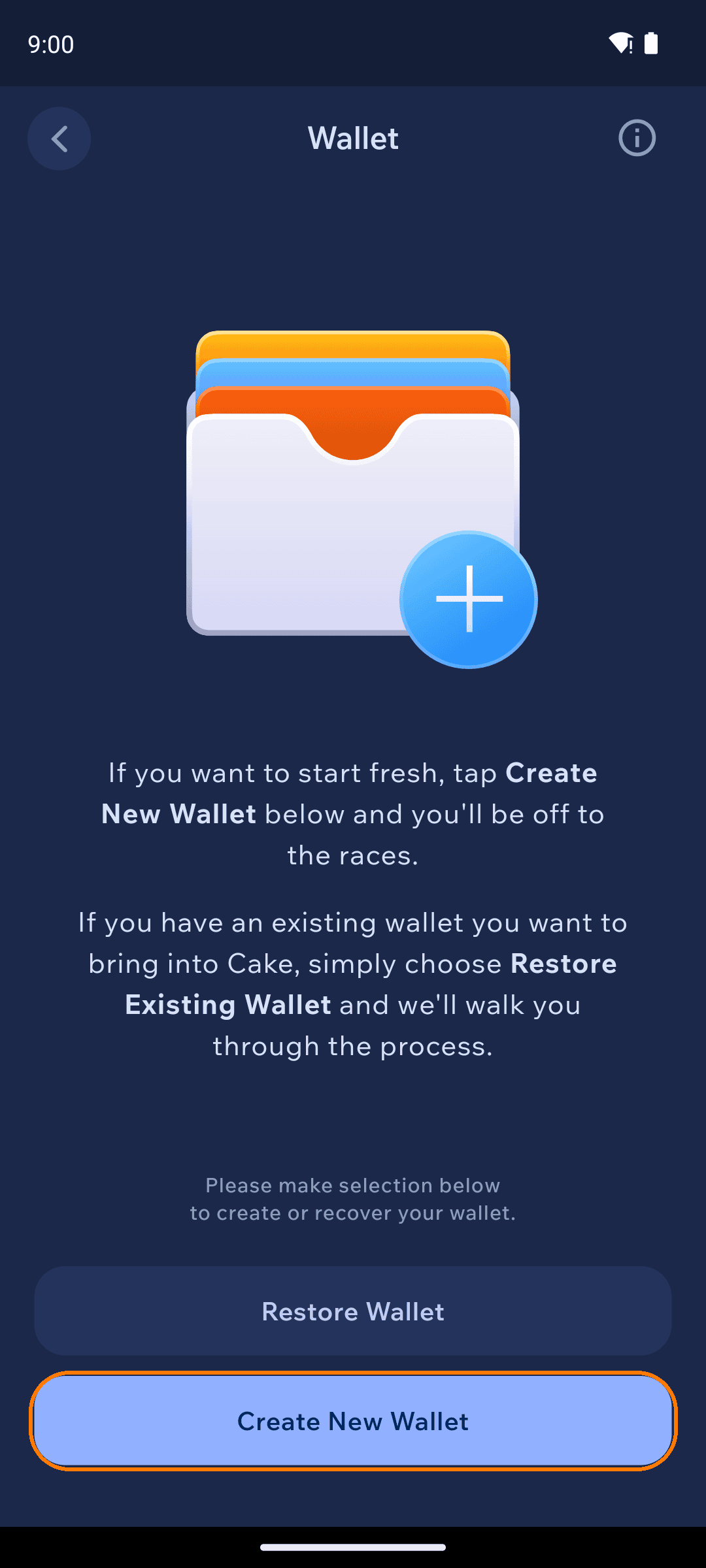
Choose Create New Wallet
On a fresh install, tap Create New Wallet after setting your PIN. (Adding another wallet later? Go to the Wallets tab and tap + Create New Wallet — see Wallet groups to share one seed across currencies.)
2
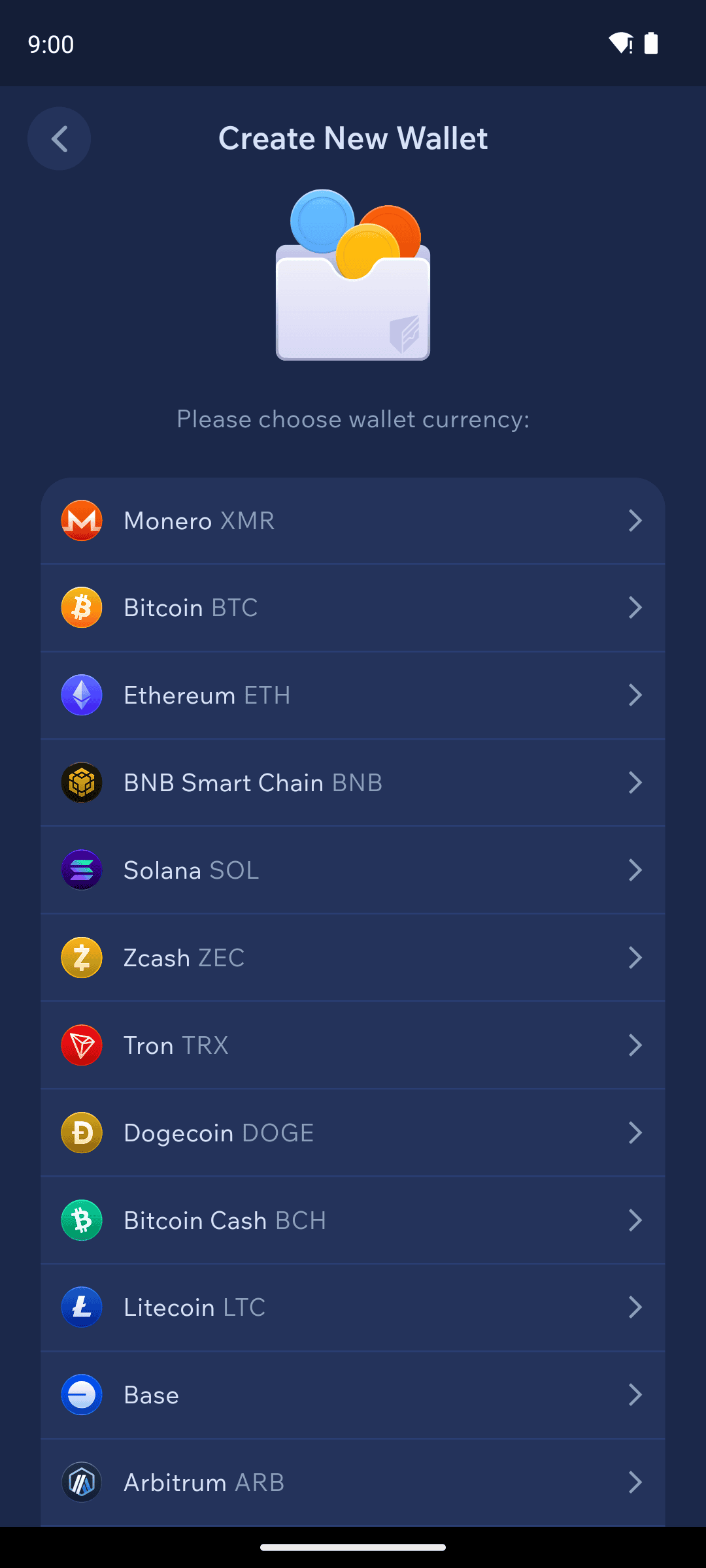
Pick a currency
Choose the currency for this wallet. Not sure? Pick the one you plan to use first — you can add wallets for other currencies at any time.
3
Name your wallet
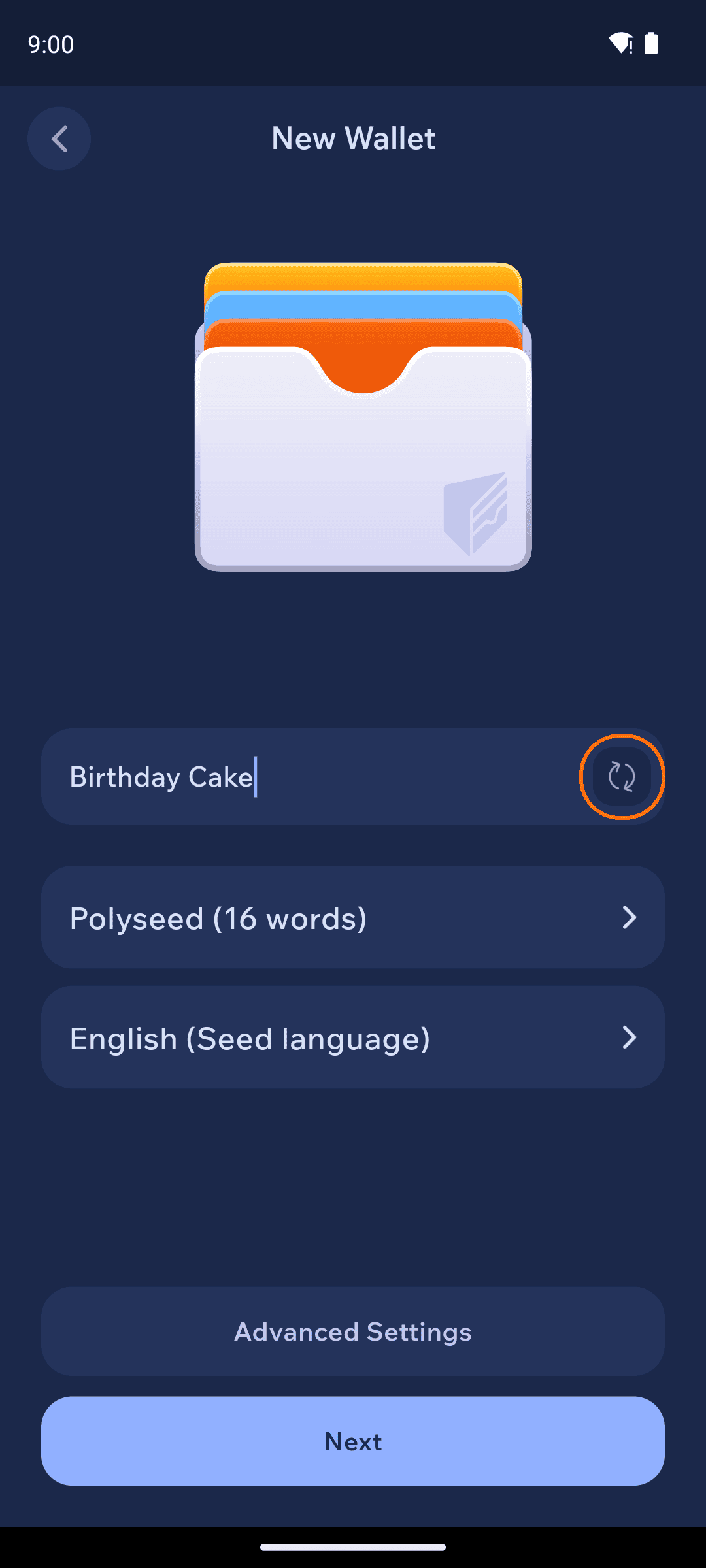
Give the wallet a name you'll recognize (or tap the shuffle icon for a random one). This name is only visible to you.
For Monero, you can also pick the seed type — Polyseed (16 words) is the default — and the seed language. Under Advanced Settings you can add an optional BIP39 passphrase.
4
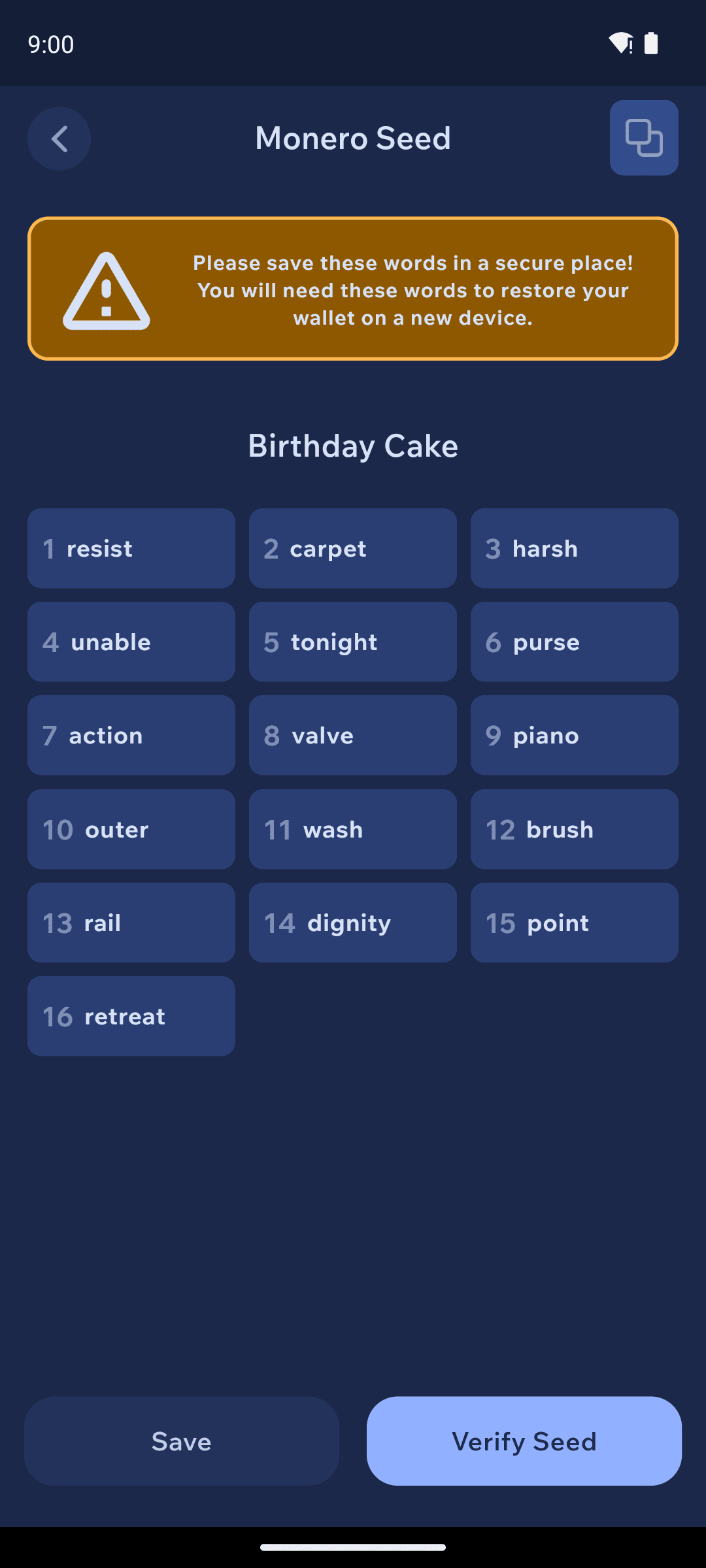
Read the warning, then write down your seed
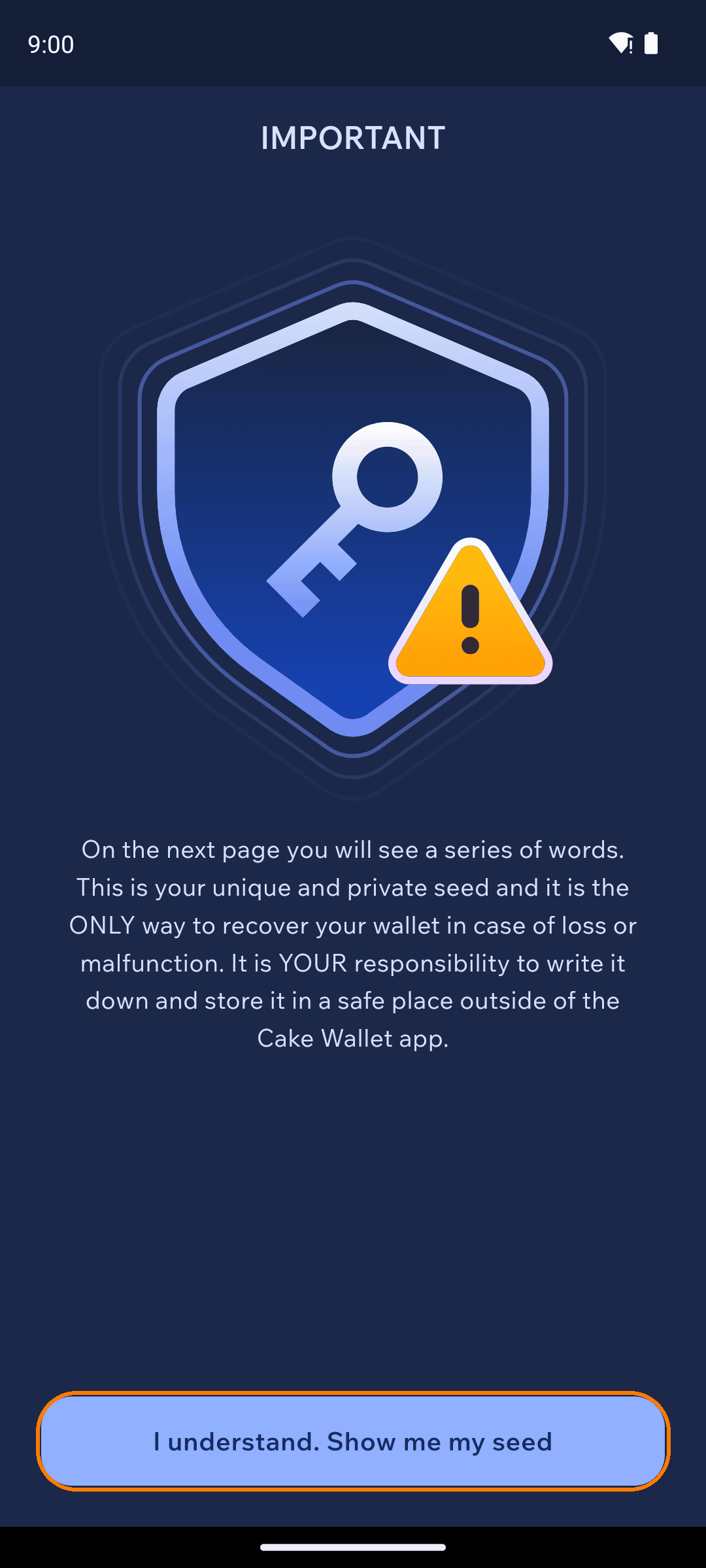
Cake Wallet shows an IMPORTANT screen before revealing your seed: the next page shows the words that are the ONLY way to recover your wallet. Tap I understand. Show me my seed, then write the words down — on paper or in a password manager — in order.
5
Verify your seed
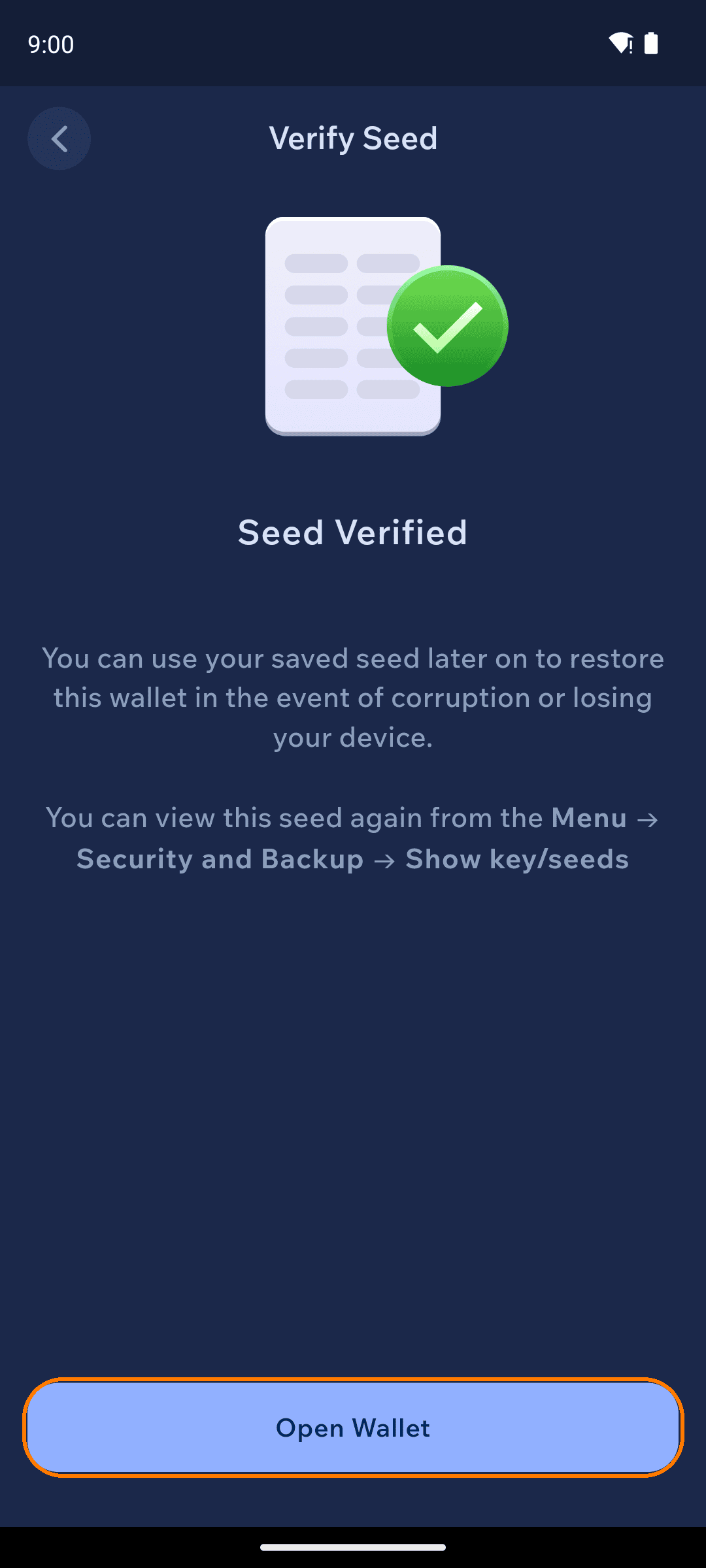
Cake Wallet asks you to confirm two of your seed words (for example, "What is the 8th word of your seed phrase?"). Answer from what you wrote down — that's the point of the exercise.

6
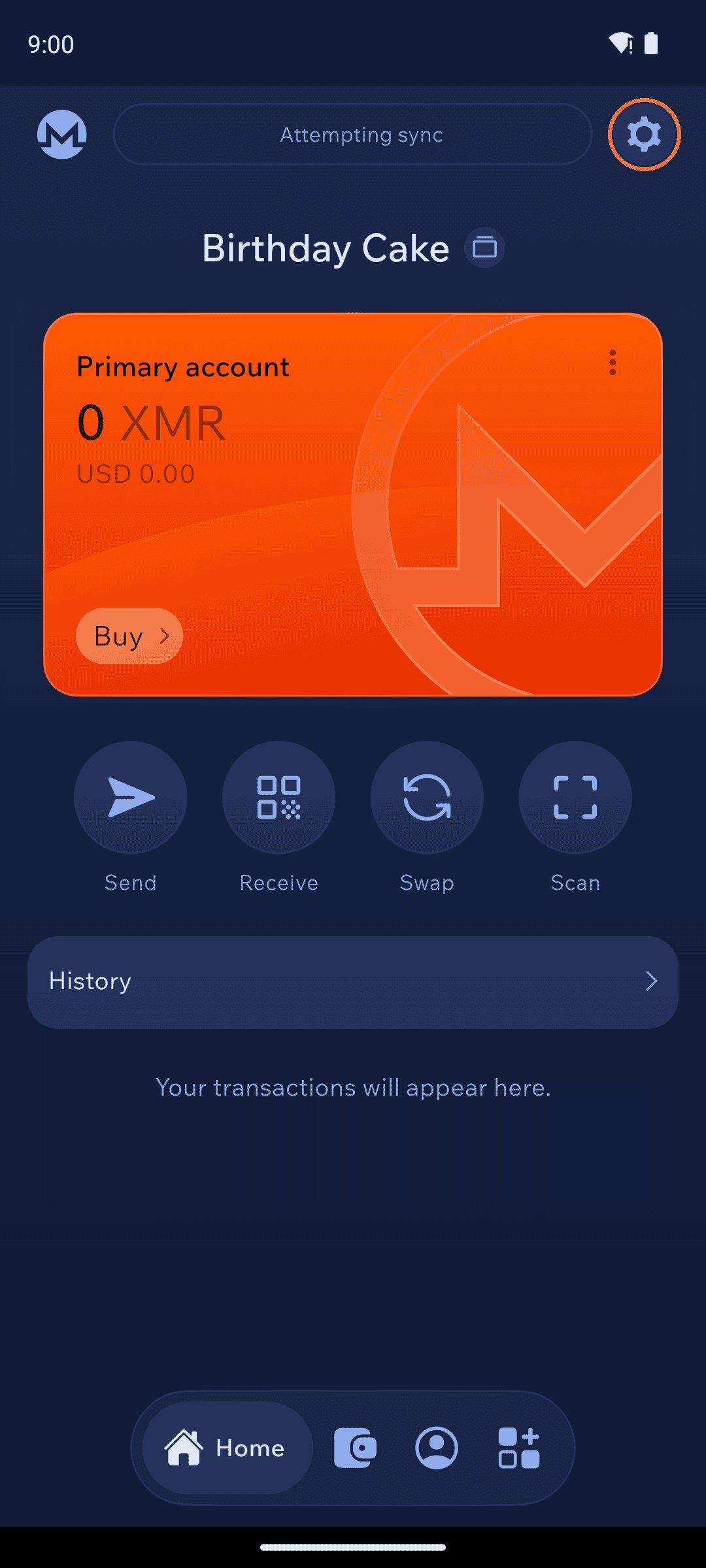
Open your wallet
Tap Open Wallet and you land on your home screen, ready to receive funds. You can view your seed again any time under Settings (the gear icon at the top right) → Wallet settings → Seed & Keys.
Where to keep your seed
Paper in a safe place works. If you prefer a password manager, use one that is end-to-end encrypted:
Password manager
Cost
Platforms
Free
Mobile, desktop, web
Free
Mobile, desktop, web
Free
Desktop
Free
Android
Paid
Mobile, desktop, web
Apple Passwords
Free
Apple devices
Avoid storing your seed in plain notes apps, screenshots, or cloud drives without encryption.