
Coin control
When you receive Bitcoin (or several other coins), your balance isn't one big pool — it's a collection of individual "outputs," like separate bills in a wallet. Coin control lets you see those outputs and choose which ones a transaction spends. That matters for privacy: it keeps coins you'd rather not link together — say, a KYC exchange withdrawal and a private payment — from being spent in the same transaction.
Coin control is available for Bitcoin, Litecoin, Bitcoin Cash, Dogecoin, Monero, and Decred wallets.
View your coins
1
Open Coin Control
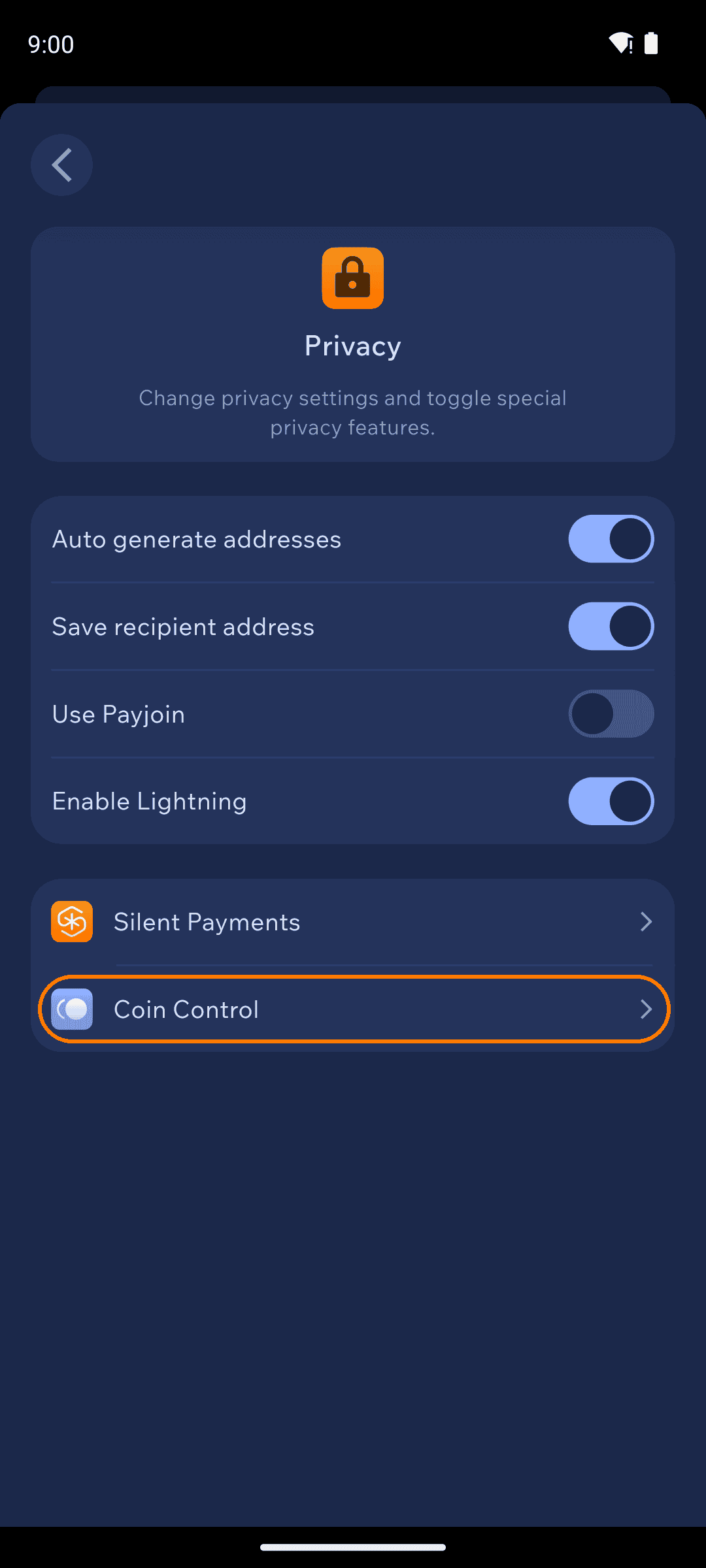
Open Settings from the top right of the home screen, tap Privacy, then Coin Control.
2
Review your outputs
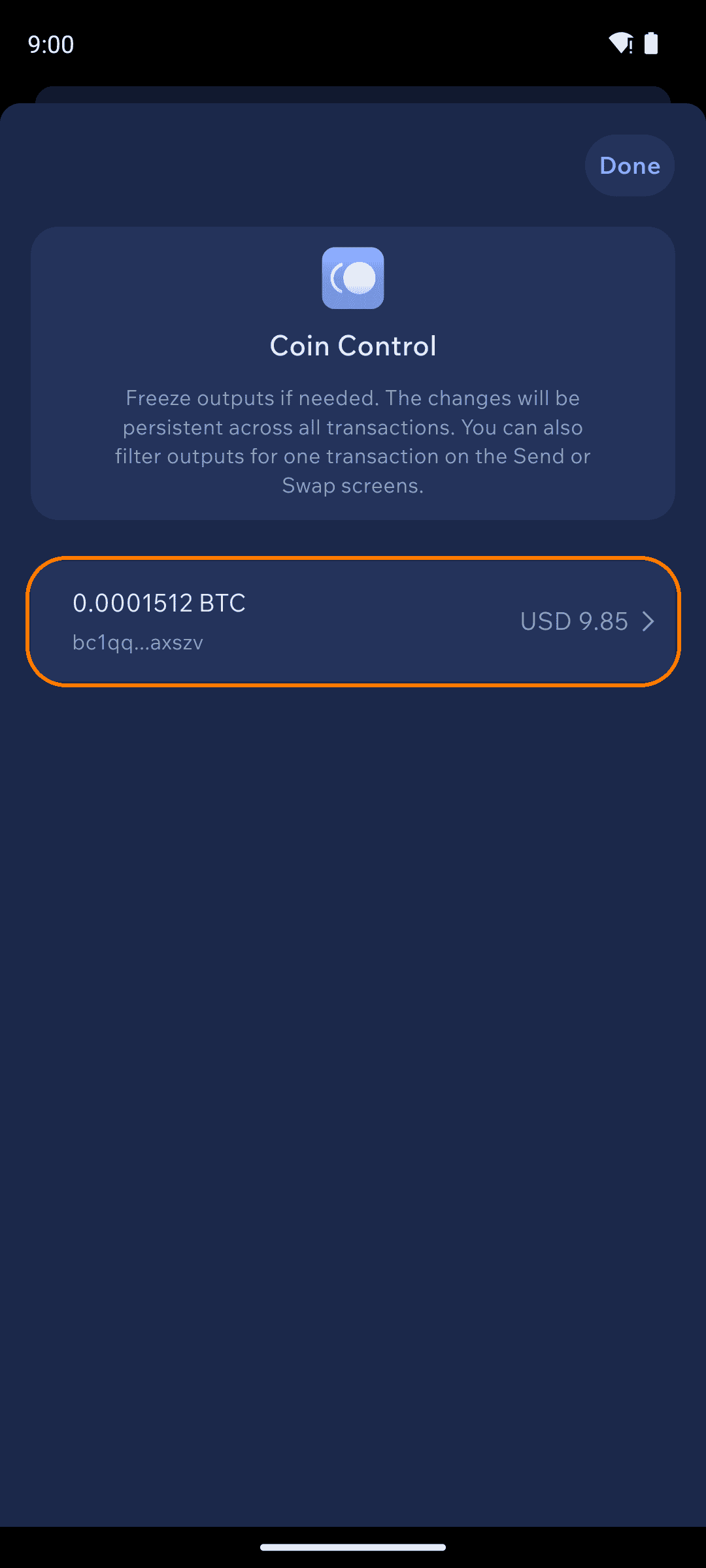
Each row is one output: its amount and the address it was received on. Tap an output to see its details.
3
Label or freeze an output
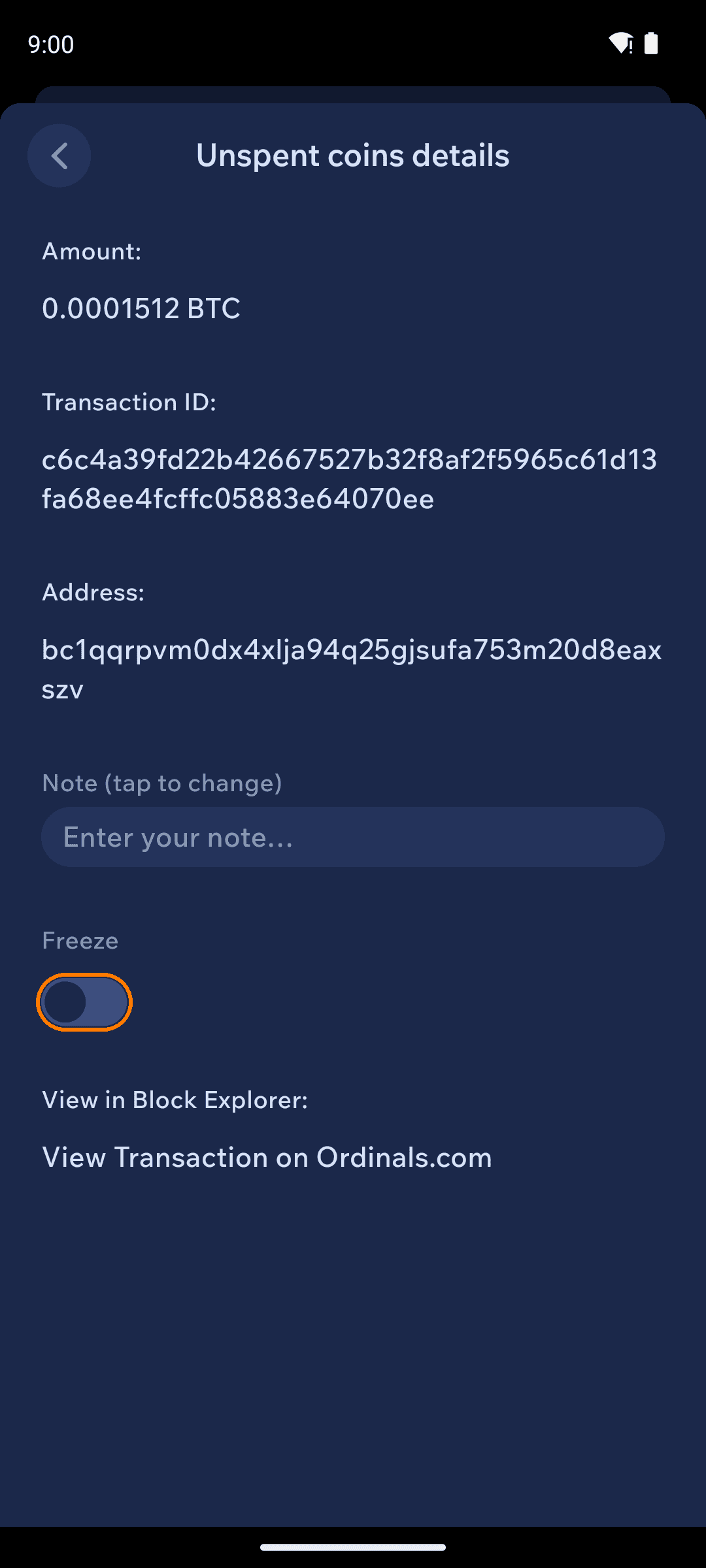
The details screen shows the output's amount, transaction ID, and address. Add a note so you remember where it came from ("exchange withdrawal", "paid by Alice"), or flip the Freeze toggle to stop it from being spent.
4
Frozen coins stay put
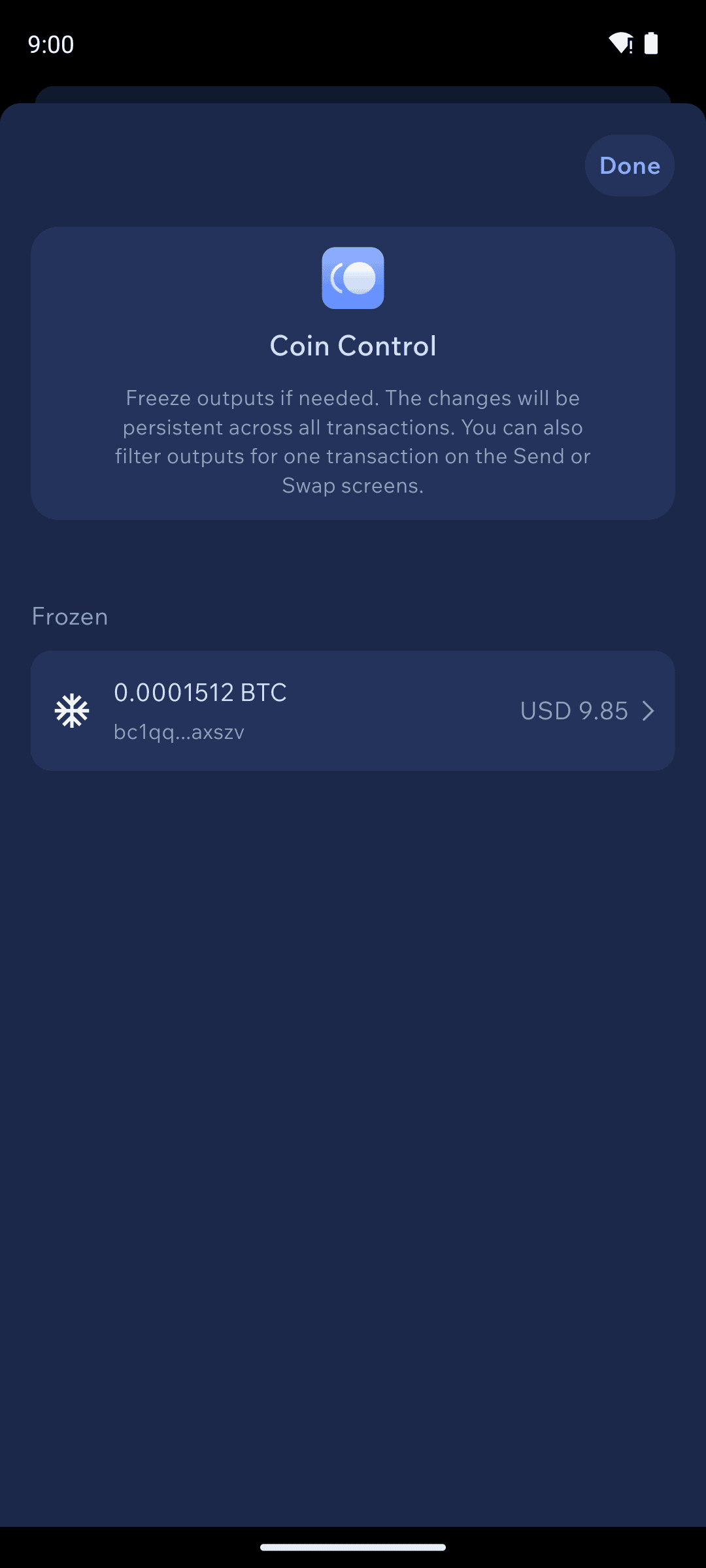
Frozen outputs move under a Frozen header and are never spent — they show up in your unavailable balance until you unfreeze them. Freezing is persistent across all transactions until you change it.
Choosing coins for a single transaction
You don't have to freeze coins to control one payment: the Send and Swap screens also let you filter which outputs that one transaction may use, without changing anything permanently. Look for Coin Control under the Send screen's Advanced Settings.