
Bridge USDT between chains
USDT lives on many networks, and the one you hold it on isn't always the one you need it on — maybe your funds sit on Ethereum, but the person or service you're paying only takes USDT on Arbitrum. Bridging moves USDT between supported chains directly inside Cake Wallet: no exchange account, no separate bridge website, no juggling wrapped tokens.
Bridge your USDT
1
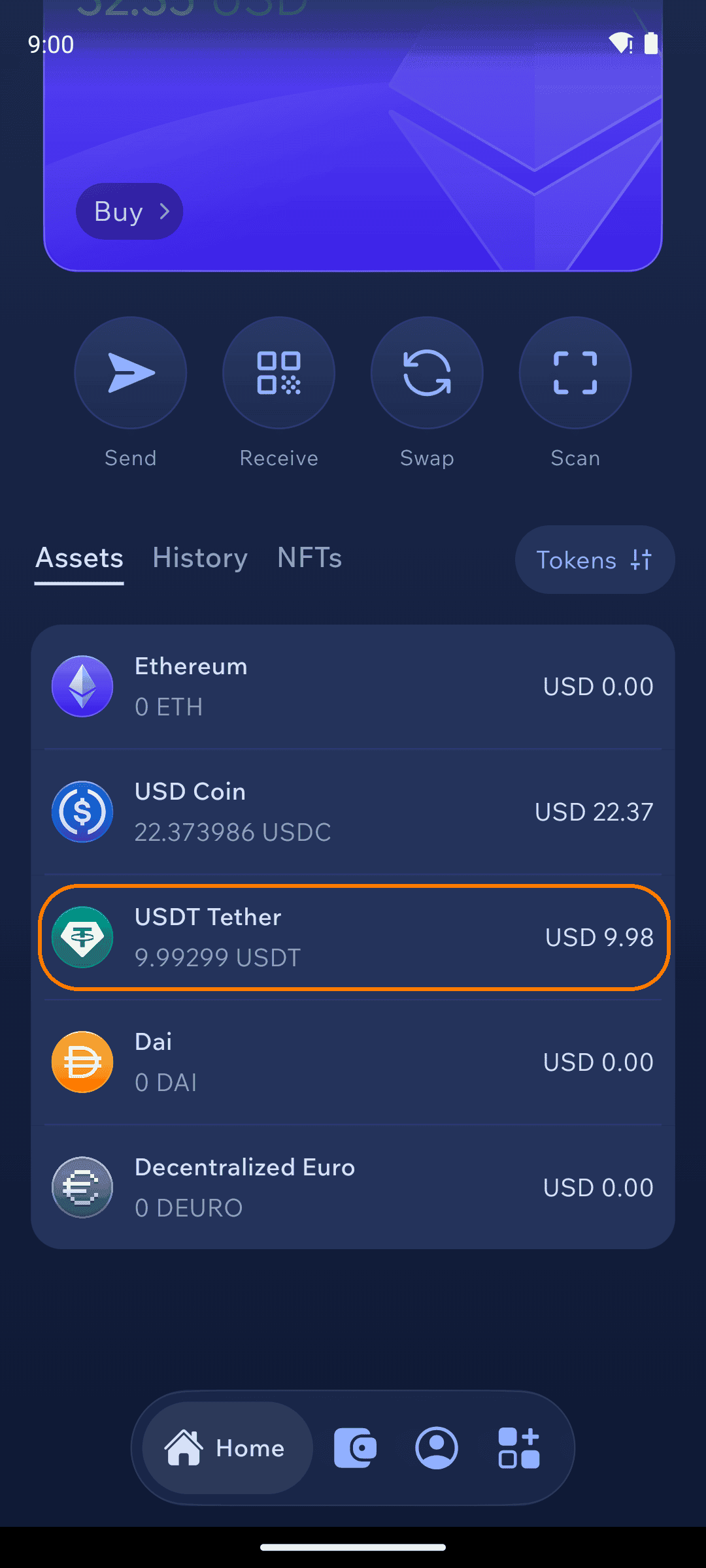
Tap USDT in your asset list
On an Ethereum, Polygon or Arbitrum wallet, open the Assets tab on the home screen and tap USDT.
2
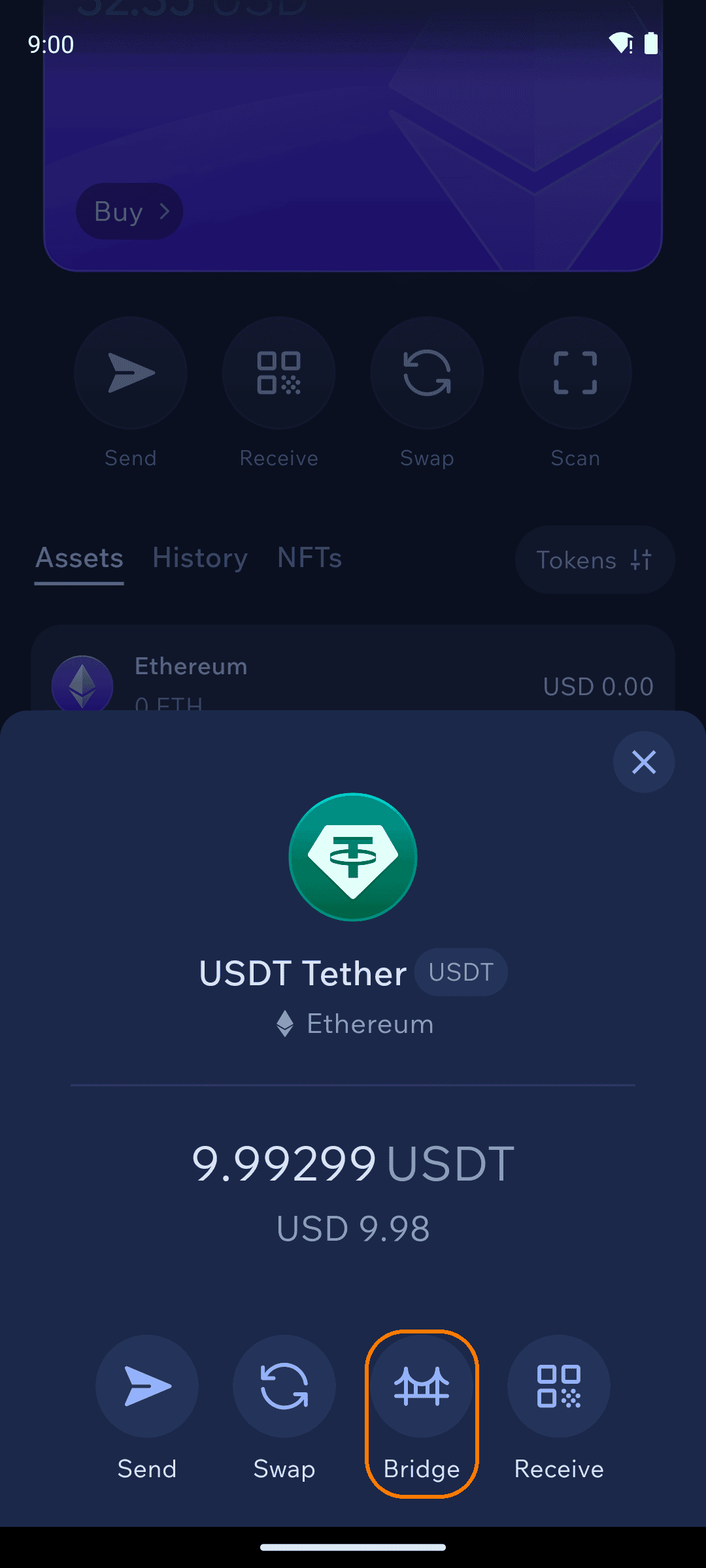
Choose Bridge
The token sheet shows Send, Swap, Bridge, and Receive — tap Bridge.
3
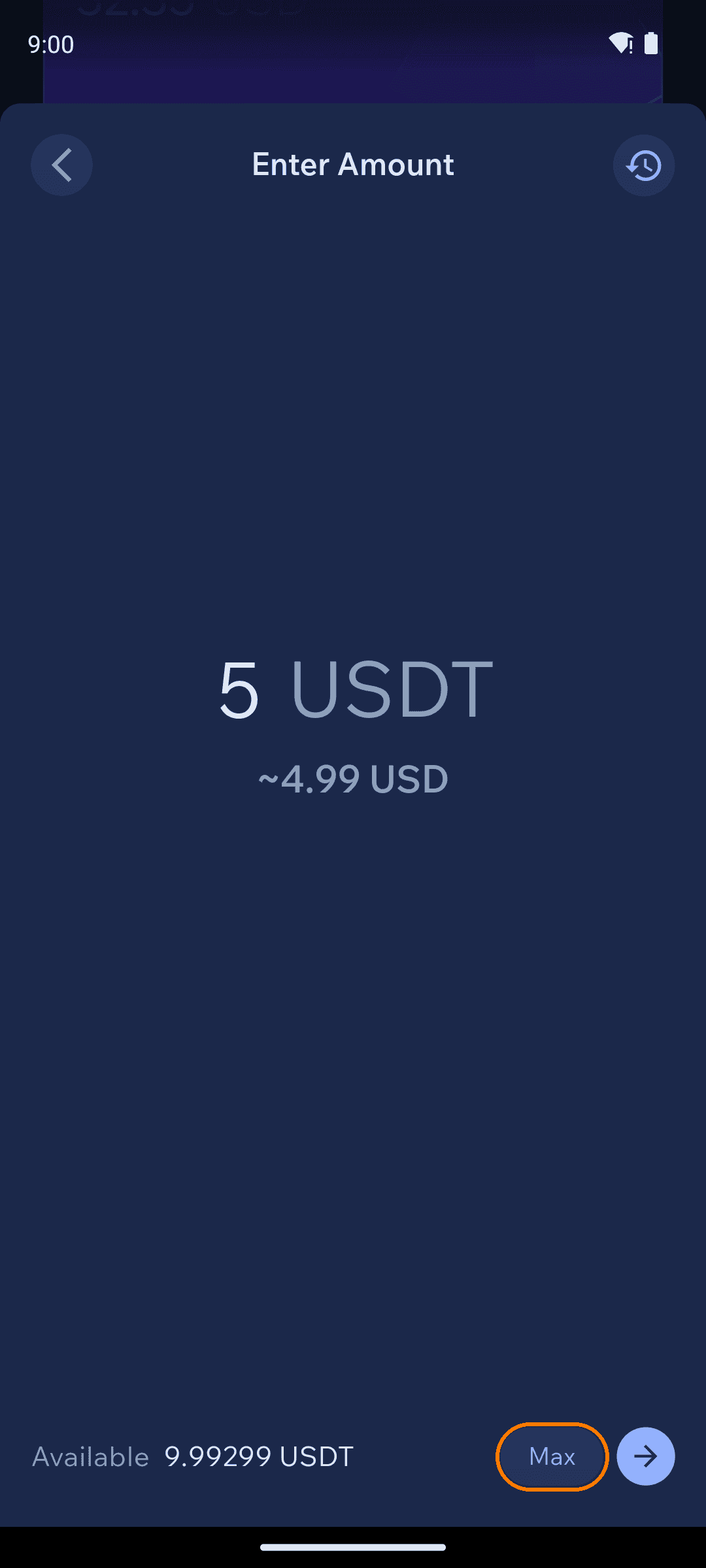
Enter an amount
Type how much USDT to move, or tap Max, then continue.
4
Pick the destination and receiving address
Choose the network to bridge to — one of the other two supported chains — then where the USDT should arrive. Paste or scan the recipient's address to pay someone else — or tap the address-book icon to pick a contact or one of your own wallets, no copying needed.

5
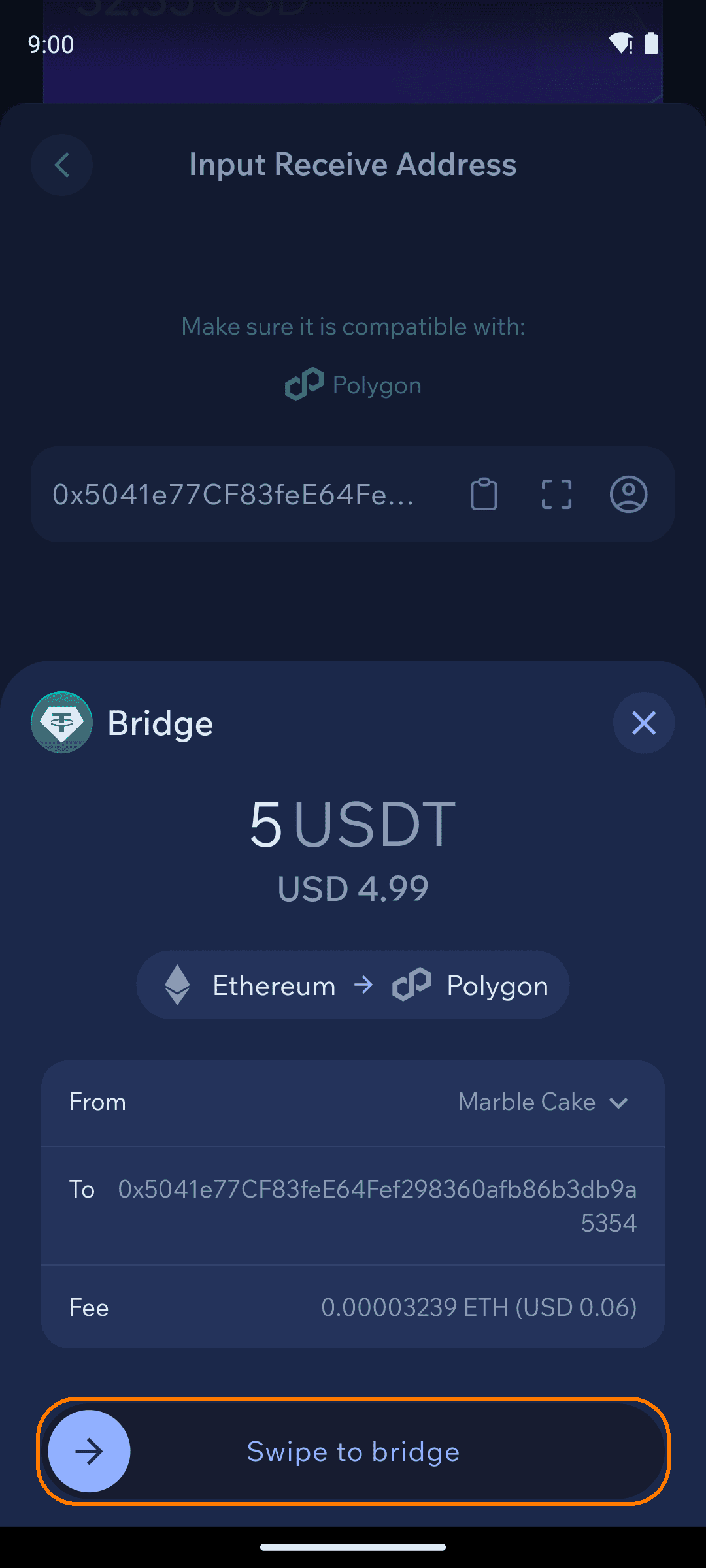
Review and confirm
Check the amount, the source and destination networks, the receiving address, and the fee — then Swipe to bridge. The USDT arrives on the destination chain as native USDT.
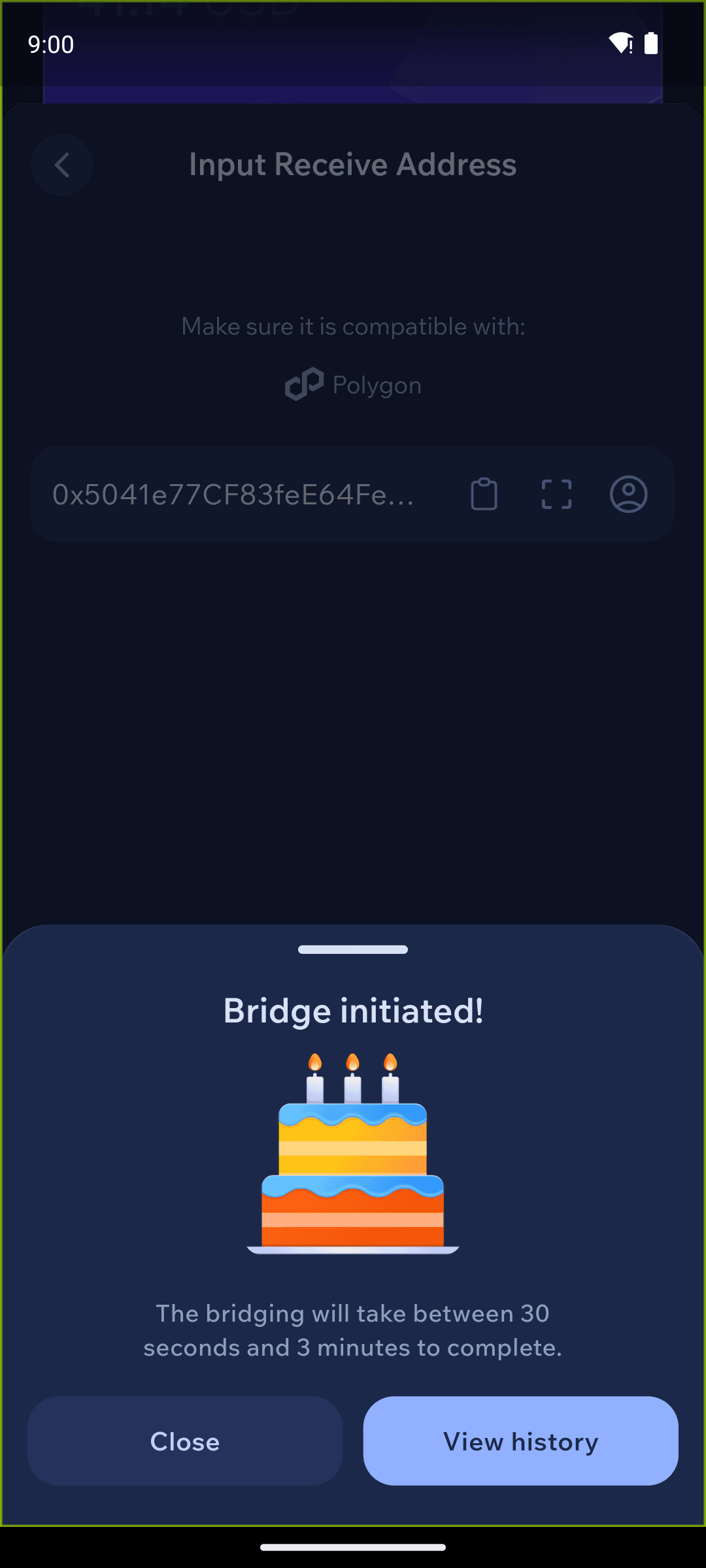
A bridge takes between 2 and 30 minutes, depending on how congested the networks are. Track past transfers under Bridge history (the history icon on the amount screen).
Good to know
- Supported chains: Ethereum, Polygon and Arbitrum. Those are the only three networks USDT0 bridging covers in Cake Wallet, in either direction.
- Expect 2 to 30 minutes. Bridges are not instant — where a given transfer lands in that range depends on network congestion.
- Bridging works for payments, not just yourself. The receiving address can be anyone's — pay a person on Polygon straight from your Ethereum USDT. Just double-check the address and network: the recipient must actually use USDT on the chain you pick.
- USDT only. Other tokens don't offer the Bridge action; converting between different assets across chains is a regular swap.
- Check the receiving network before confirming — the whole point is choosing where the USDT ends up.